01
Record & import
View full size
YOUR PRIVATE AUDIO WORKSPACE
Give your conversations a place to become clear, useful notes. Record, transcribe, and organize — on Mac, iPhone, and iPad.
Available on the App Store for Mac, iPhone, and iPad.
PRIVYVOICE / Mac · iPhone · iPad
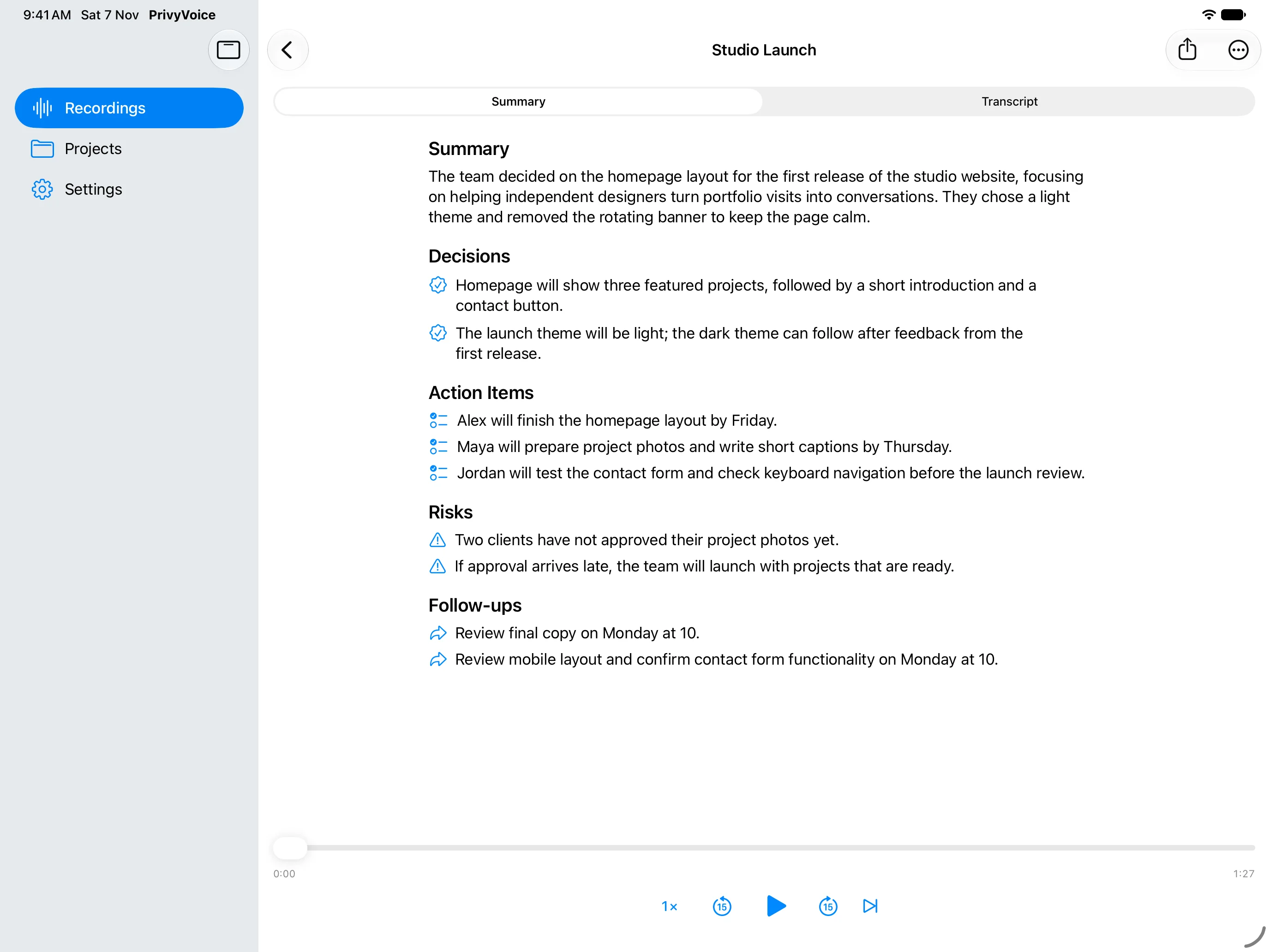
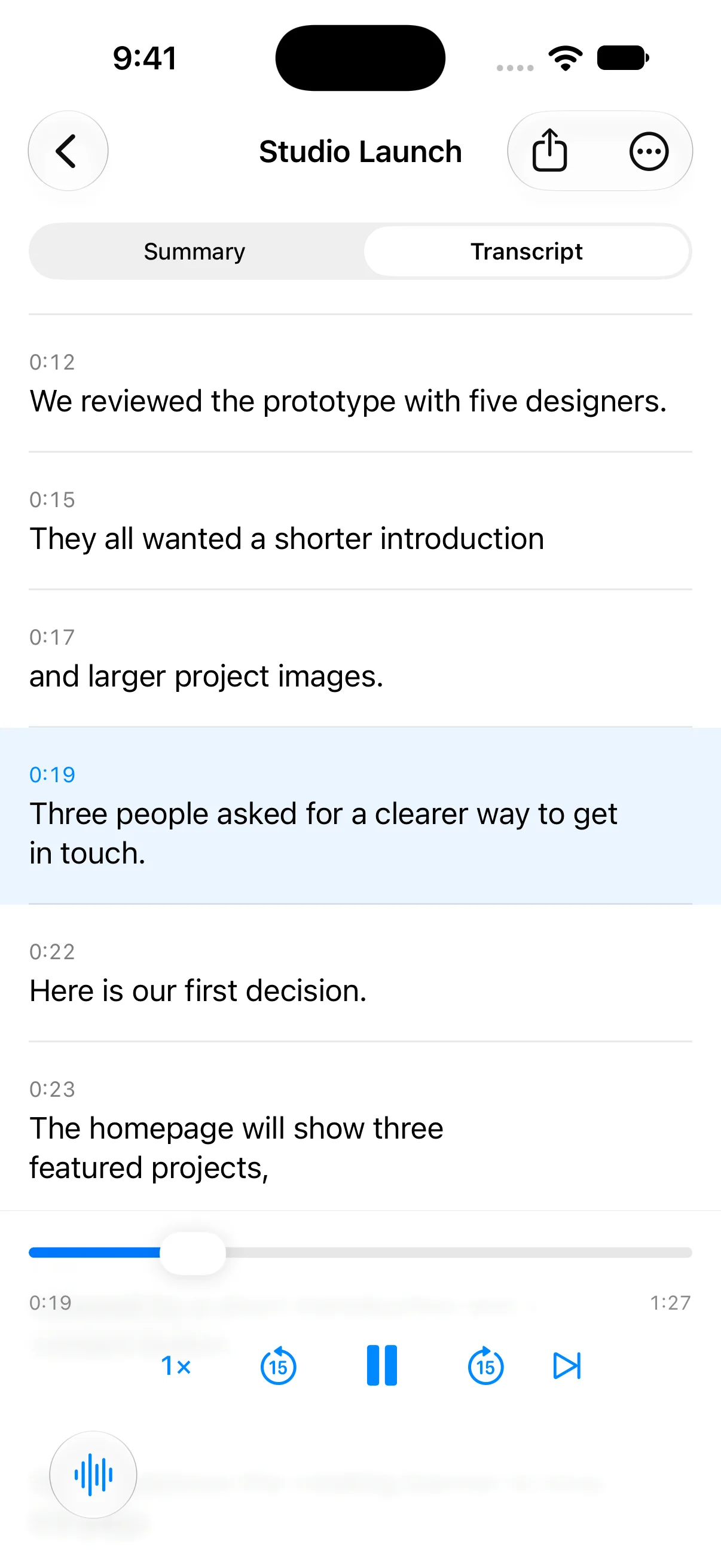
Real app screenshots. From your first recording to your next step.
Sample project · App interface in English
FROM SPOKEN TO SORTED
For meetings, interviews, lectures, and the ideas you say out loud.
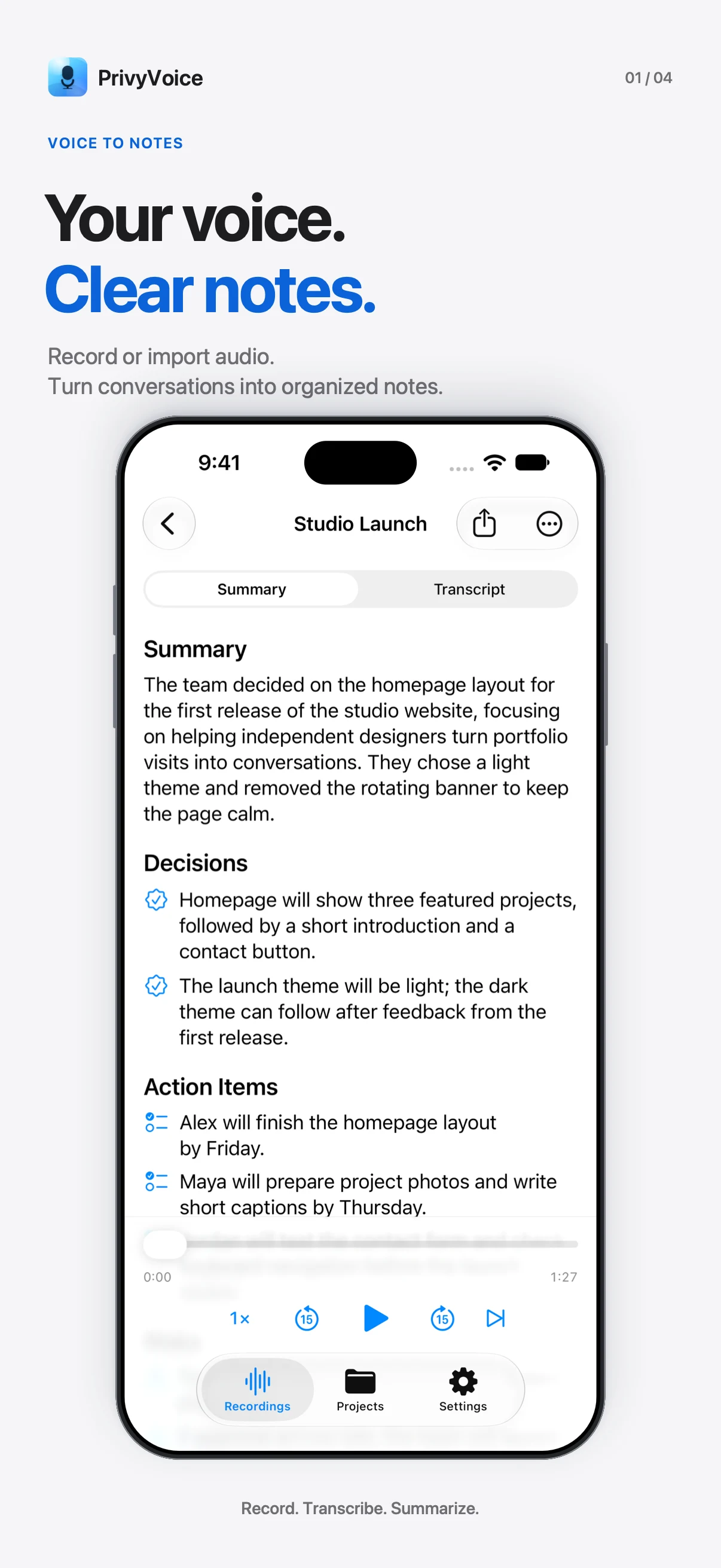
Record & import
Record your microphone or import audio and video. On Mac, capture system audio too. Stay in the conversation.
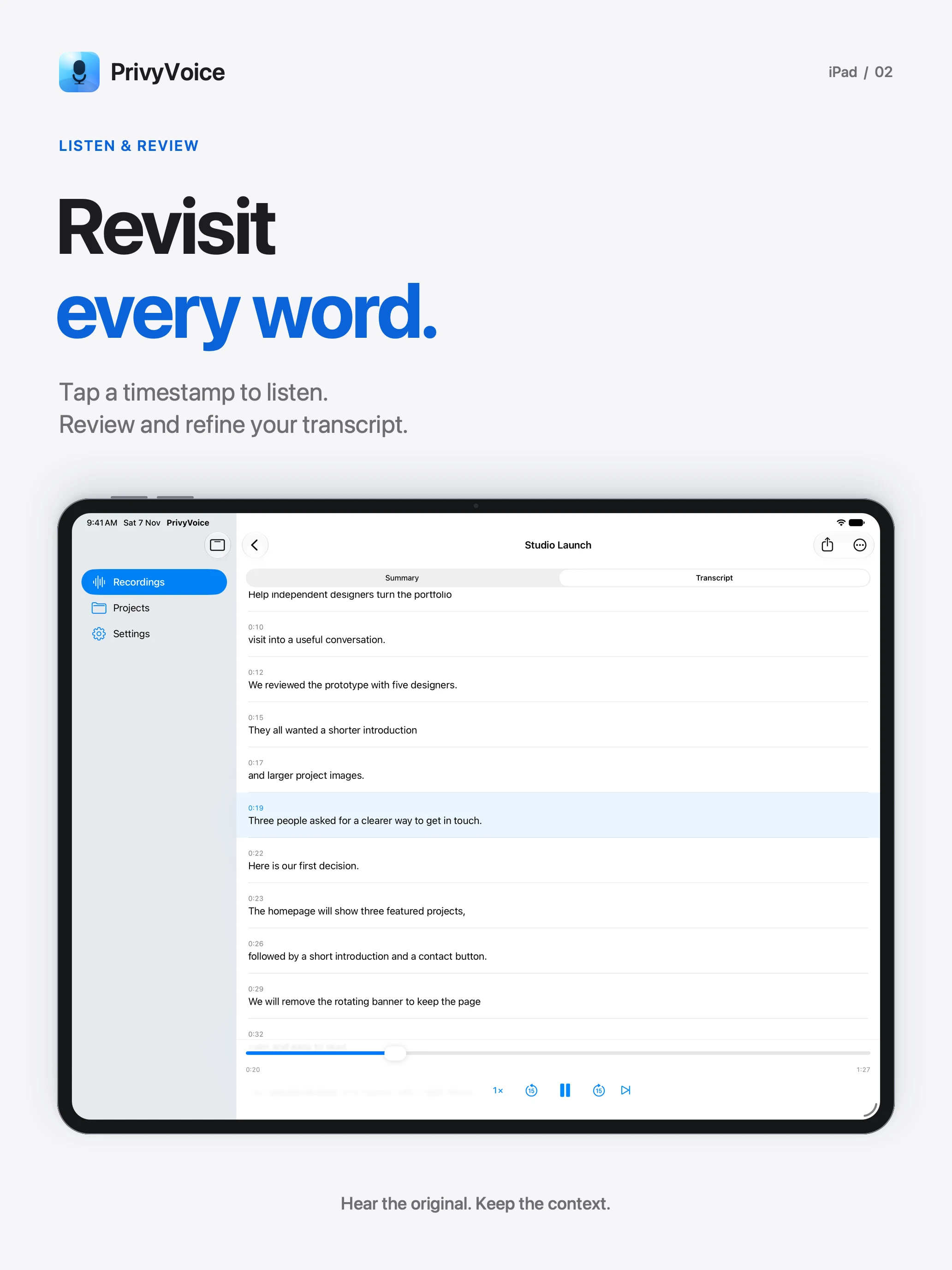
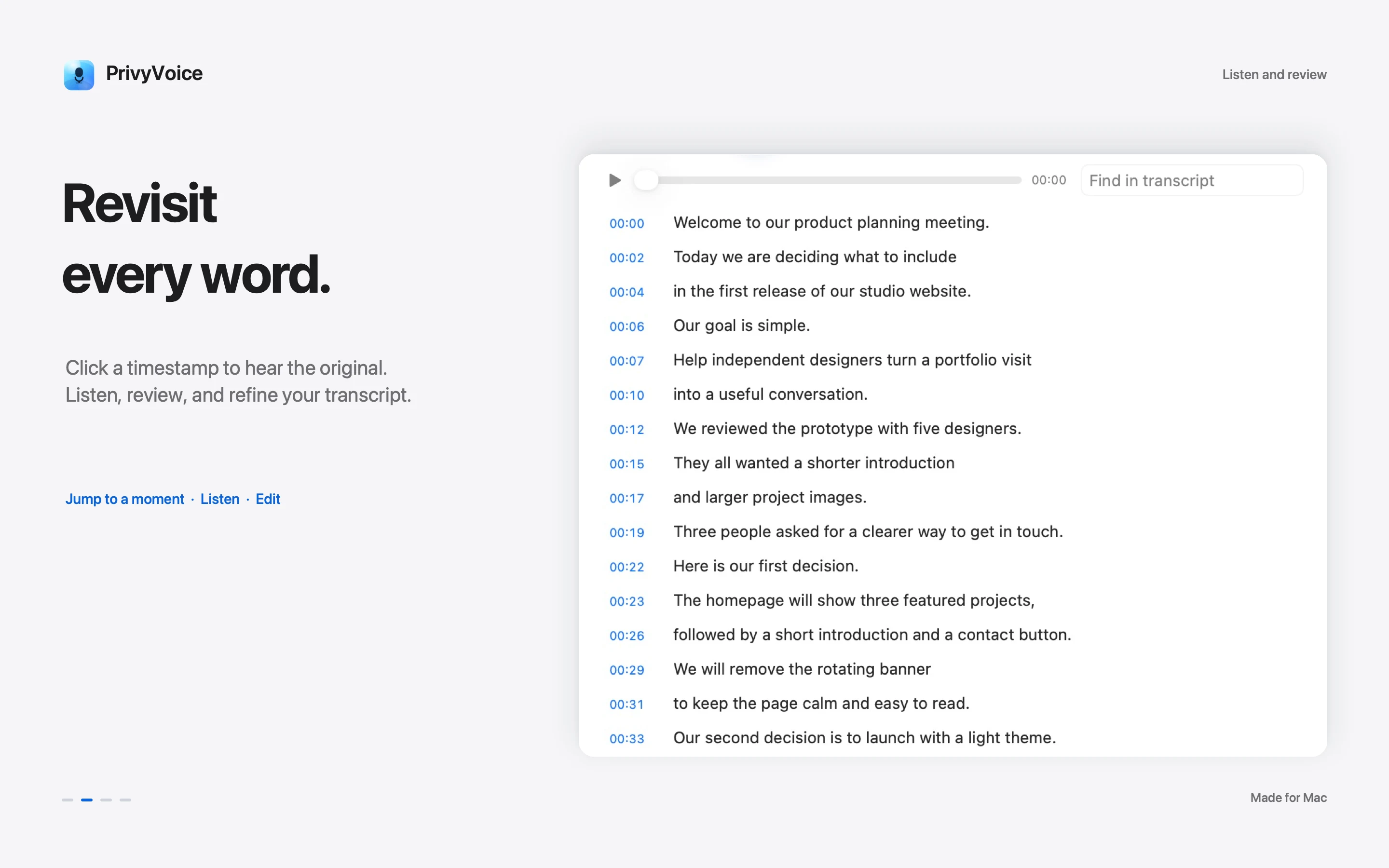
Transcribe & review
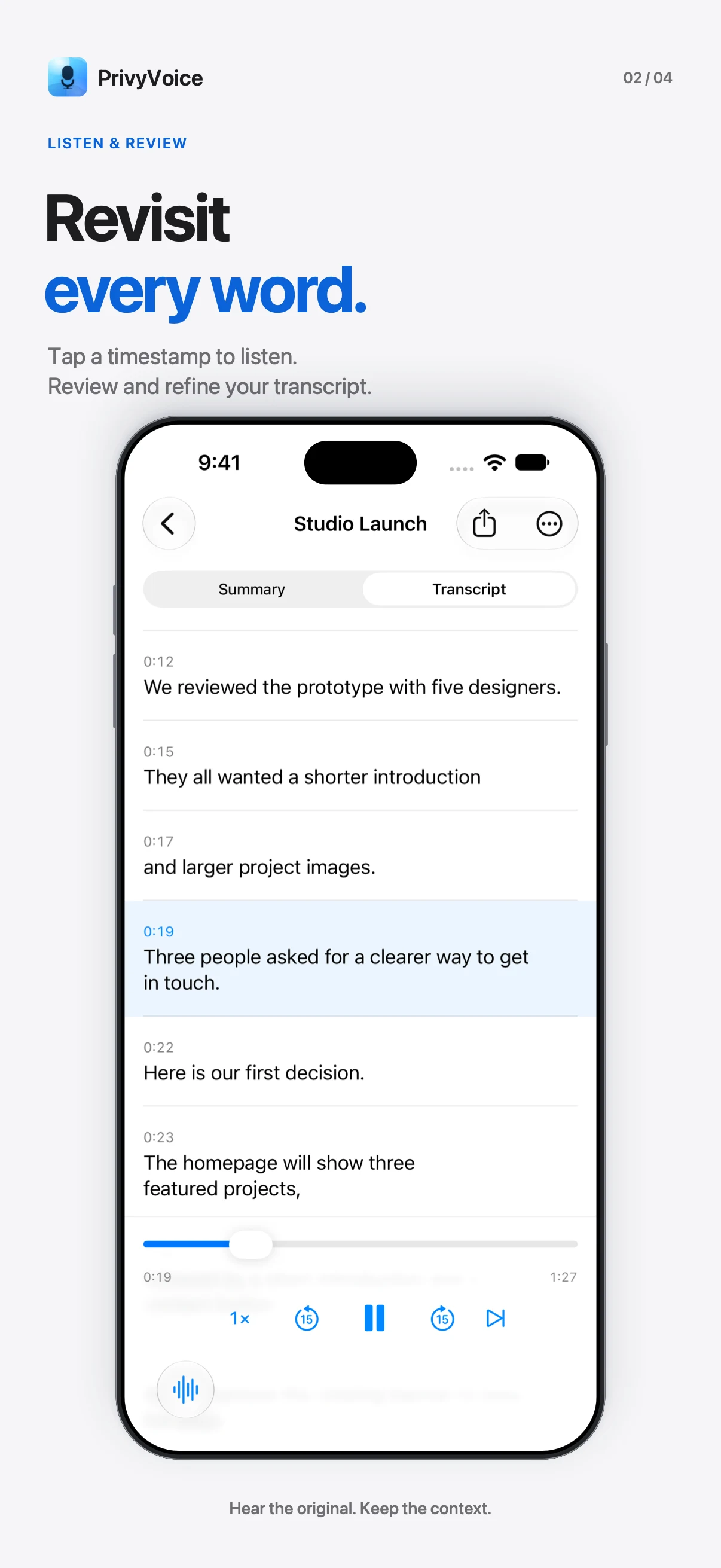
Transcribe on your device with Whisper. Tap a timestamp to hear the original audio, review the transcript, and correct the details.
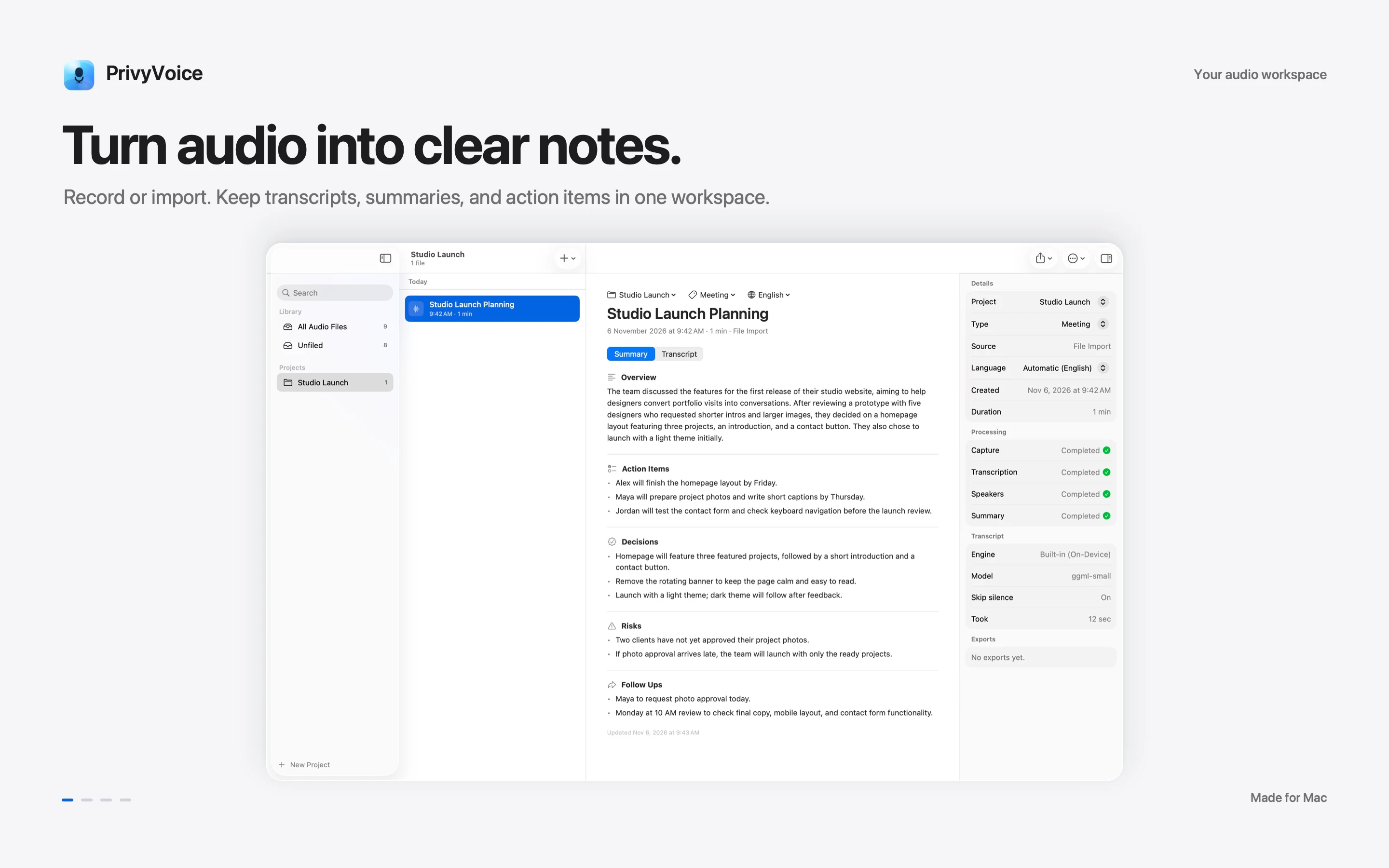
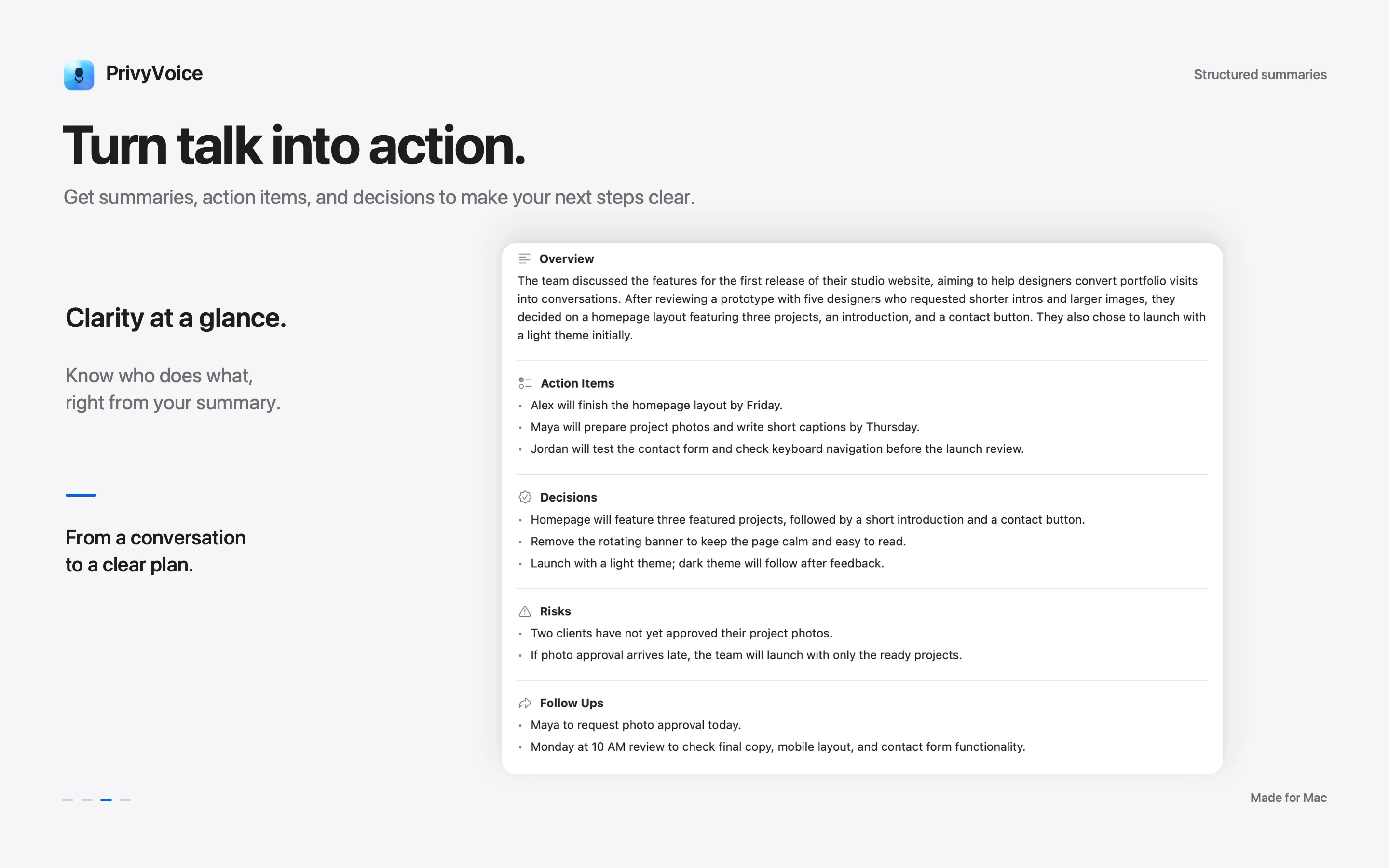
Summarize & act
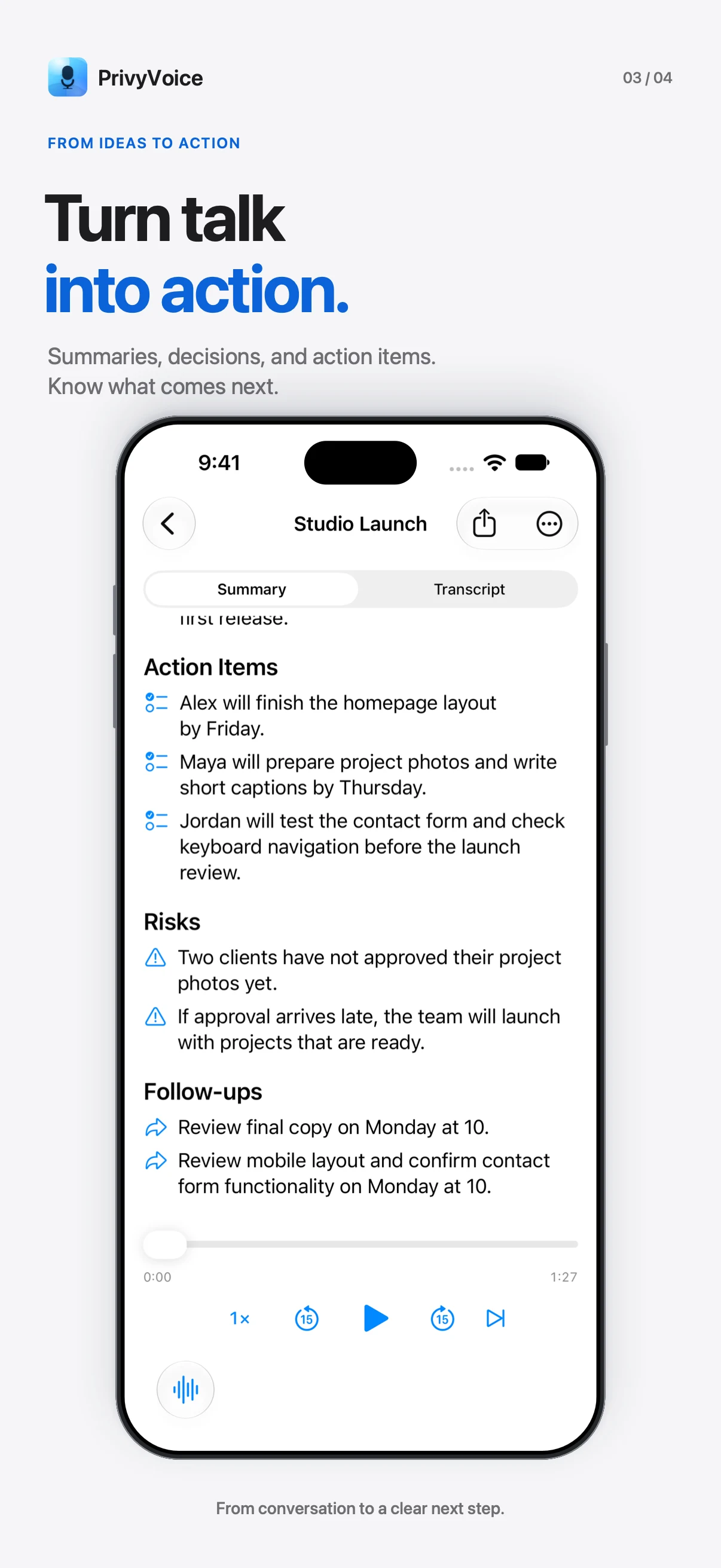
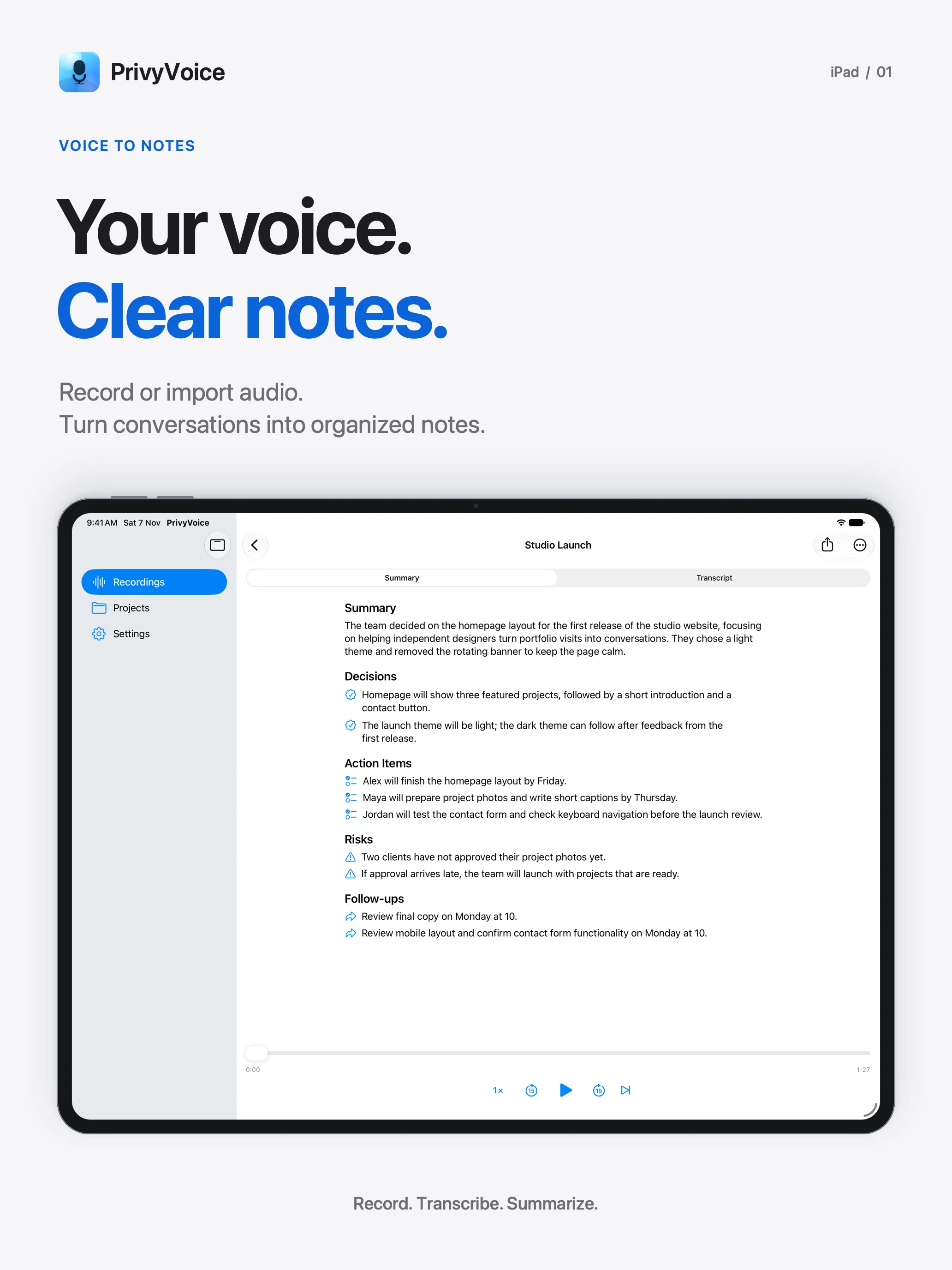
Turn transcripts into summaries, decisions, action items, and follow-ups with the built-in model. On Mac, you can also use Ollama or LM Studio.
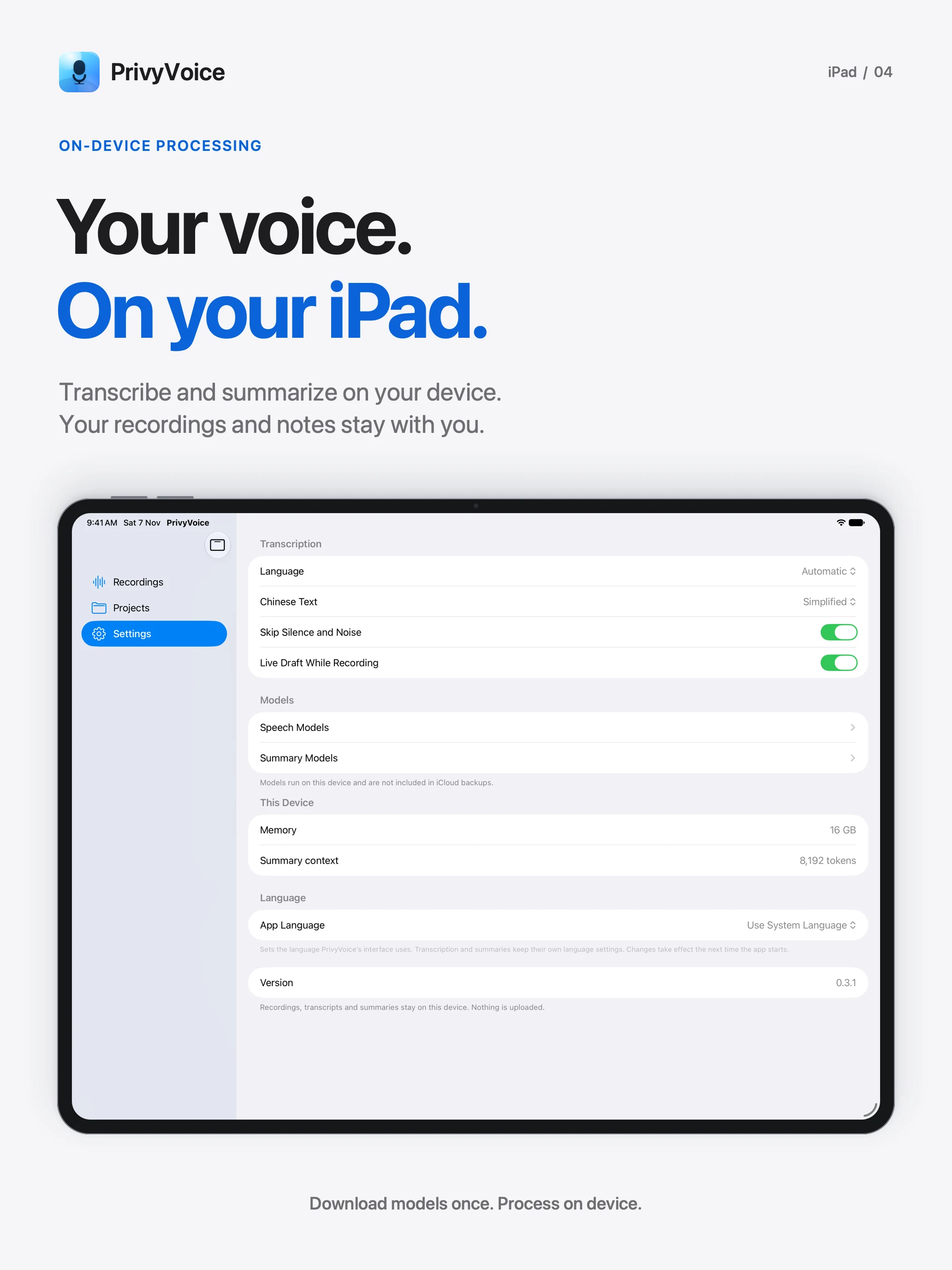
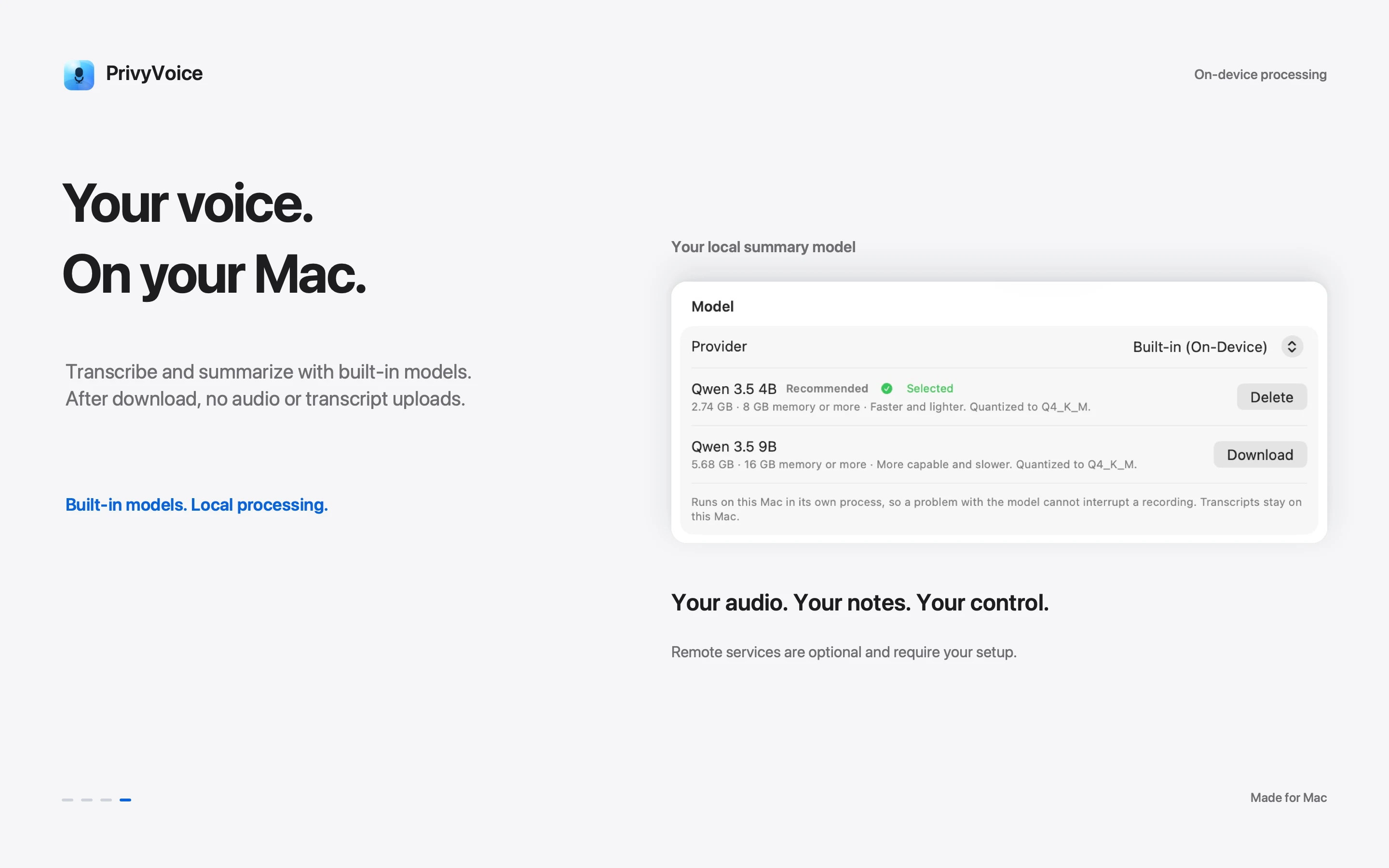
PRIVATE, BY DEFAULT
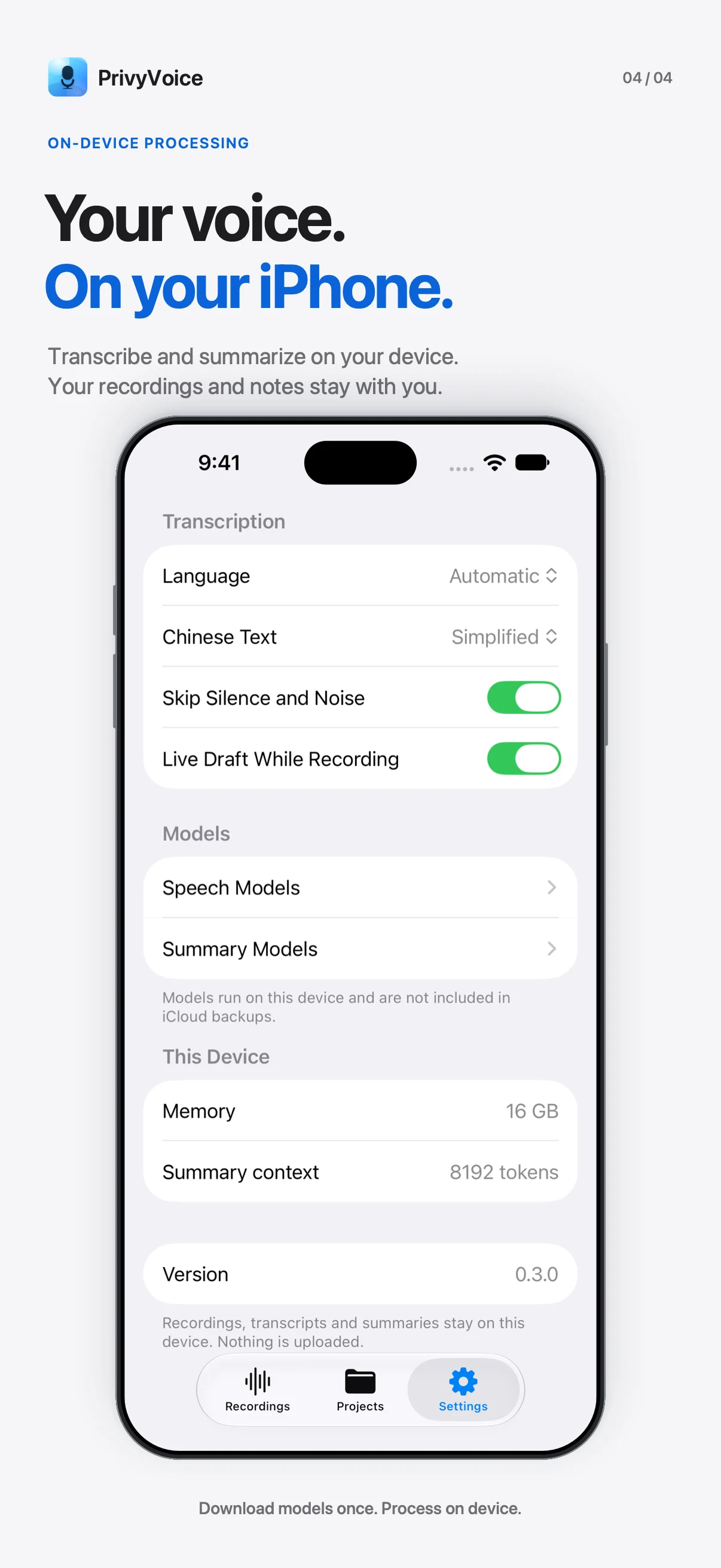
Built-in transcription and summaries run on your device after model downloads. Your library stays local. On Mac, remote services are optional and only receive data when you configure them.
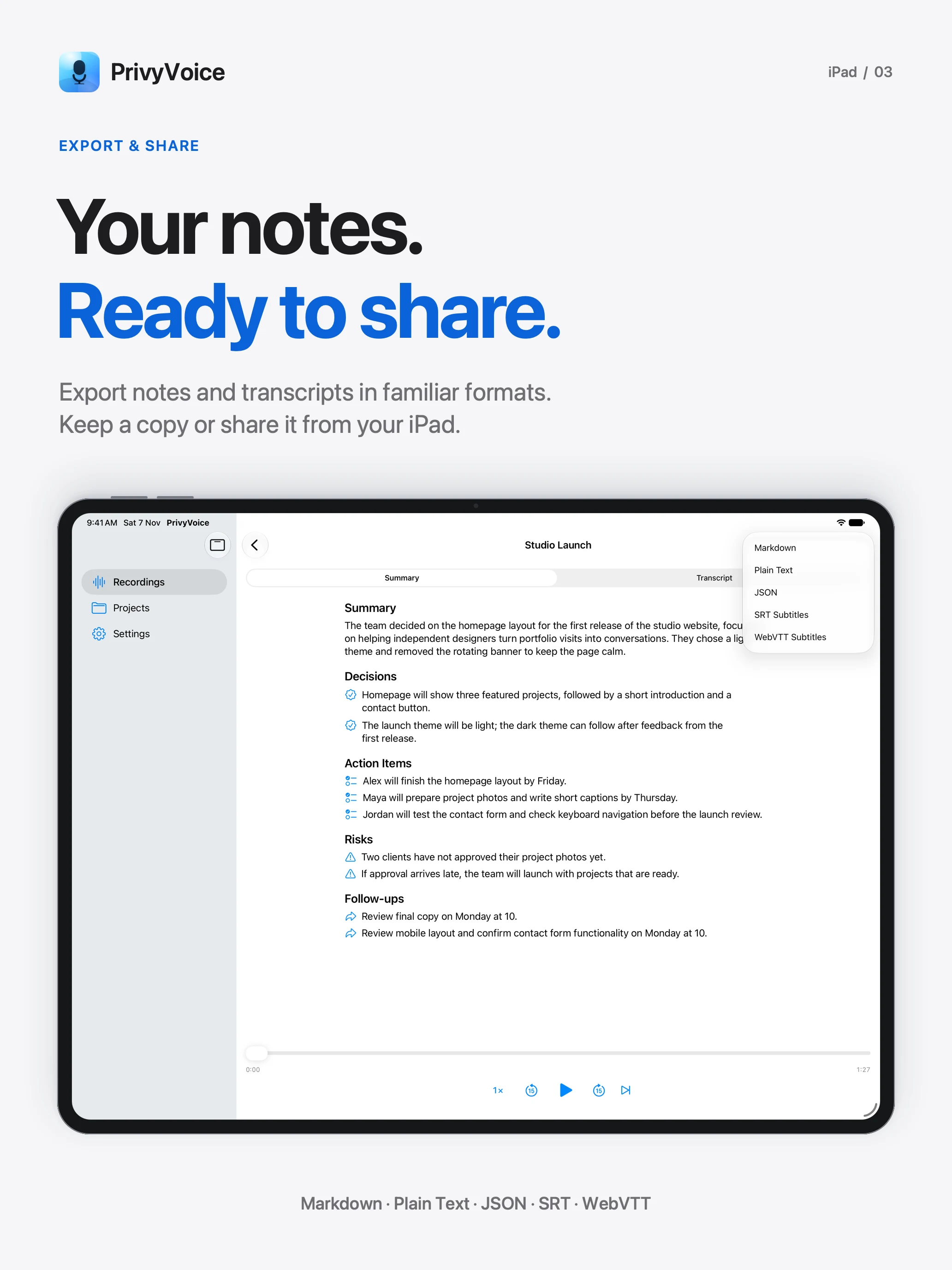
Organize & export
Keep audio, transcripts, notes, and export history together. Group recordings into projects and search across your library.
Take your words into documents, archives, or subtitles. Save exports wherever you choose.
Download PrivyVoice for Mac, iPhone, and iPad from the App Store.